Connecting your Mac[s] and iPhone[s]
1/ Universal Clipboard (MacOS, iOS)
One of the most under-rated features of MacOS / iOS / AppleID is the following:
- On Old Laptop -> Select "some sensitive important text" -> "Cmd + c"
- On New Laptop -> Click where this is for whatever reason needed -> "Cmd + v"
E.g. copy-pasting across devices.
Officially[2026] this is known as "Handoff"
On MacOS [laptop or studio]
On MacOS > System Preferences > General > AirDrop & Continuity > ... see the following
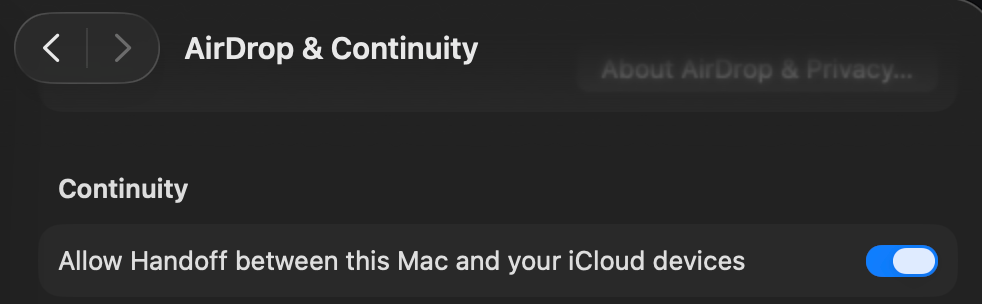
This is insanely useful for sharing public keys for setting up future SSH access, or just cloning different device setups etc.
However this has some requirements
- Both devices are physically near each other
- Wifi + Bluetooth is turned on for both devices
- Apple ID is logged in to both devices under same account
Finally if both are the case and this still not working, try the following:
[note, this was pasted from laptop to studio :)]
# In Terminal, on one or both the devices ...
defaults write ~/Library/Preferences/com.apple.coreservices.useractivityd.plist ClipboardSharingEnabled 1
On Phone
Here's already an easy example, you'll know if it's working for images if you see the following pop-up
pasting from [your iPhone here] ...
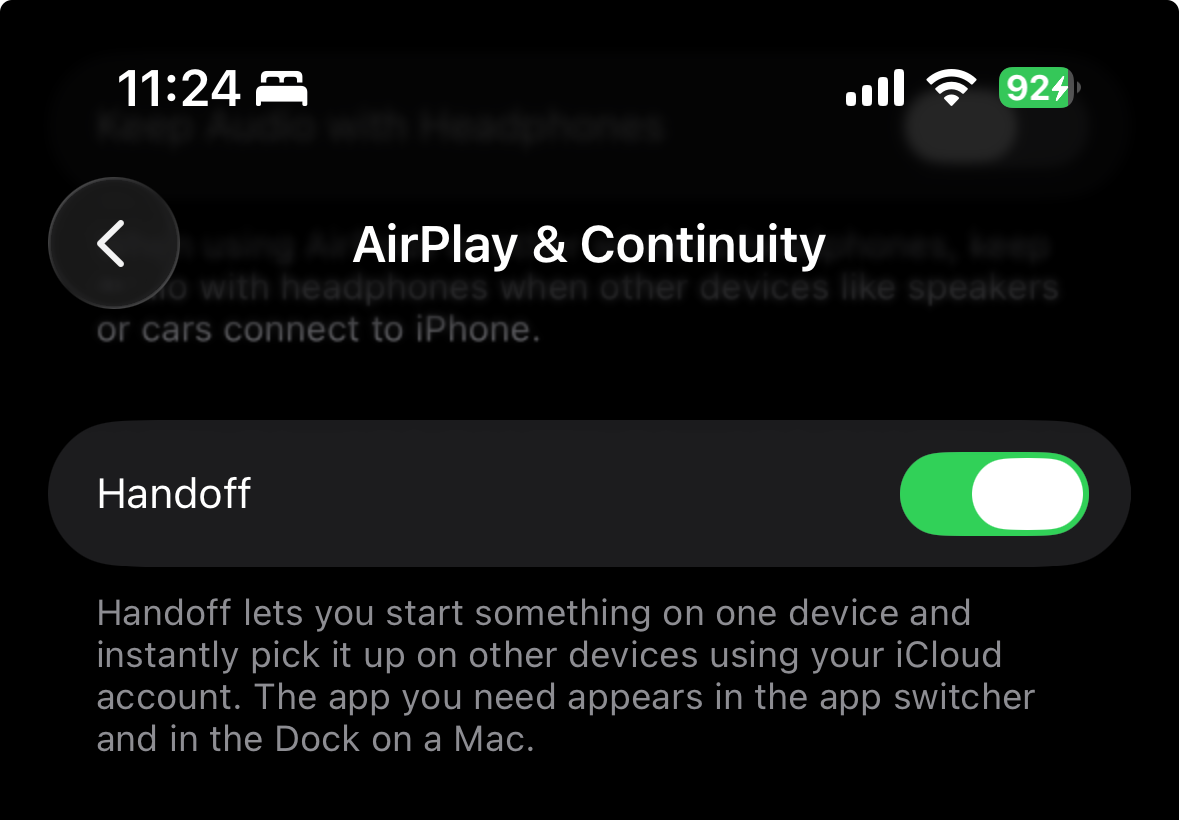
Finally you may have to re-start your phone if this still doesn't work!
2/ tailscale, ssh!
So previously I definitely have some blog-posts on et & ssh ... the key issues is that it exposes your IP for anyone to try. Obviously unless you've leaked your private key you're screwed either way here
Tailscale is a nice simplification in that you ahead of time allow devices, as if it were intranet. Aka, VPN technially, but intranet by user-experience.
"Tailnet" as its termed (nice branding! aka definitelyNotNordVpnVpn) is nice because anyone who's actually used a VPN makes you feel like a dirty pirate, a big corporation worker, (or really, any legitimate white-blue-purplewhatever collar worker), but anyone who's used LAN actually has friends from when they were in middle school.
The point is that it's incredibly easy to "set and forget" and as long as you don't do something stupid like add devices twice (or something that looks like your device when it's not) you're good! Plus easily allows your phone in as well which was actually basically an after-thought in my previous setup.
Console: https://console.tailscale.com/admin/machines
- Install Tailscale
See https://tailscale.com/download
- Add your devices, add the ssh-keys such that you can ssh to/from as necessary
%  tailscale status
133.7ZZ.YYY.AA  [...]   [...]  macOS  -
133.77Z.XXX.BB  [...]   [...]  linux  active;[...]
133.770.WWW.CC  [...]   [...]  iOS    -
133.771.VVV.DD  [...]   [...]  macOS  -
% cat /etc/ssh/sshd_config.d/tailscale.conf
ListenAddress 133.7ZZ.YYY.XX
PasswordAuthentication no
KbdInteractiveAuthentication no
PermitRootLogin no
% cat ~/.ssh/config
[…]
Host […]
HostName […].tailDEADBEEF.ts.net
User josephz